Clean your LCD screen

2 Comments By Eran Abramson on August 27th, 2007 in How to and Hacks

Many are familiar in cleaning the screen using a watered damp cloth. But in order to clean deeper dirt, such as finger prints, food stains (hopefully not), dried wet spots, and more, use a different mixture - half and half combination of 70% Isopropyl alcohol and water. While the computer is off, lightly spray a cloth and clean the screen. This method is not suggested by the likes of Apple, so please use at your own discretion and try to refrain from actually touching the screen with your hands.
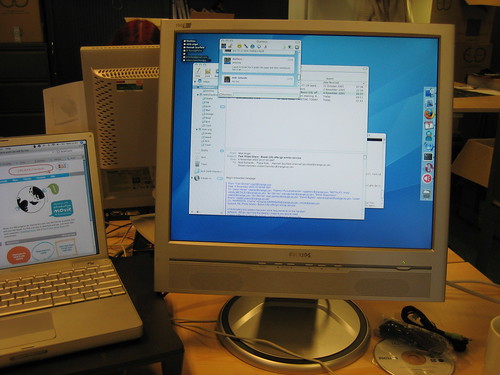

By: NedRichards (Creative Commons)

Via: DIYLife
Dearest reader, if you enjoyed this post don't miss out on our RSS feed. Thank you for visiting!

Related Tags

, ,

2 Responses to “Clean your LCD screen”

  1. david Says:

    Do not spray liquid on display!!! That way excess liquid can penetrete behind frame and corrupt display.

    To do it right: Spray cleaning liquid onto cloth, and wipe with cloth.

  2. Eran Abramson Says:

    Hello David, thanks for the comment.

    I noticed that the way I written above may be misunderstood. You are definitely right, spray the cloth and then use it to clean the screen.

Leave a Reply